Payload CMS, ready for SaaS.
An agent-ready SaaS boilerplate for Payload, with authentication, organizations, billing, and an admin dashboard already wired in—so your coding agents can start building your product from day one.
An independent project built for the Payload community — not affiliated with or endorsed by Payload CMS.
- Next.js + shadcn/ui
- Stripe billing
- Organizations
- Better Auth
- Payload CMS
- PostgreSQL
Built on the tools SaaS teams already run in production.
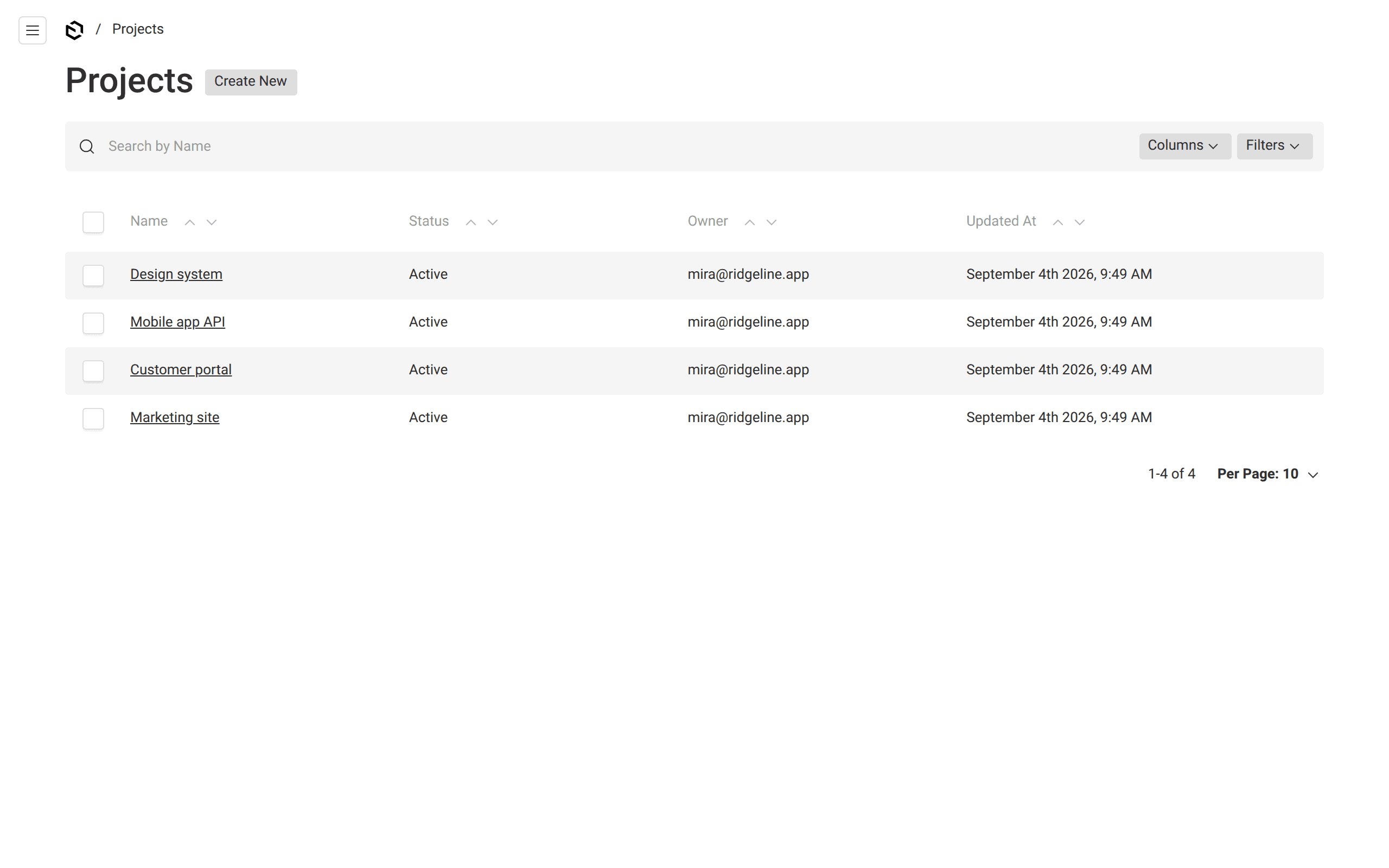
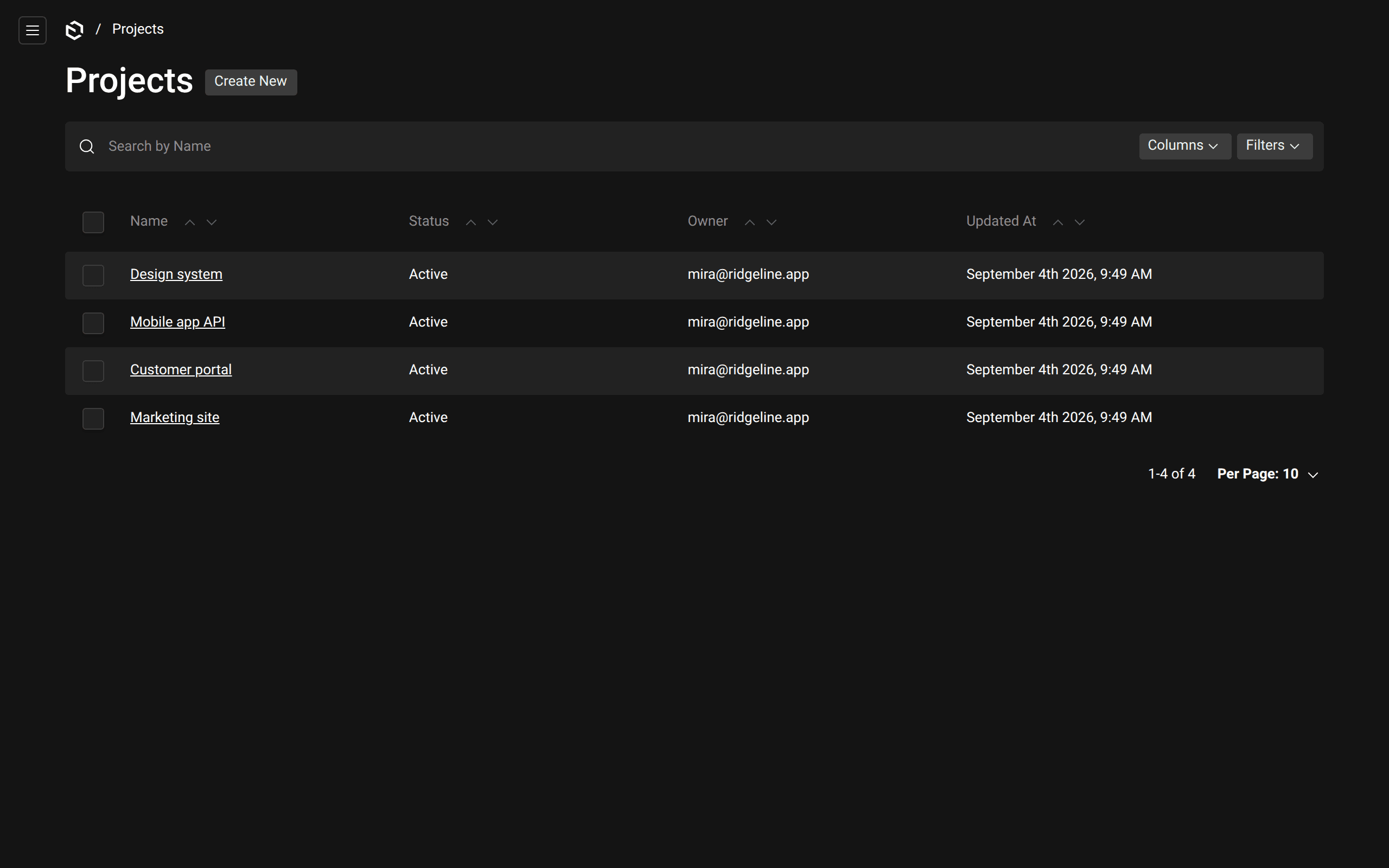
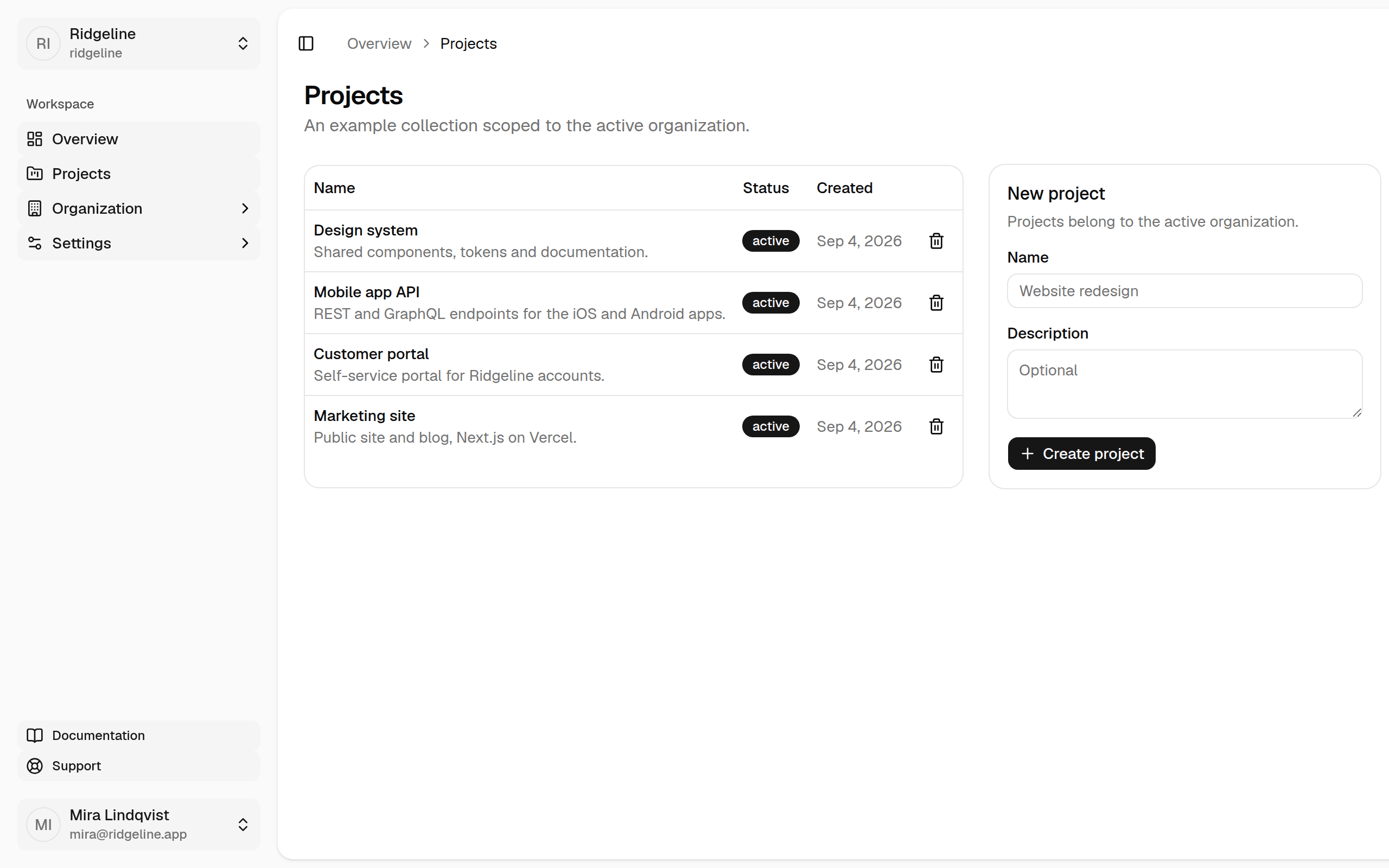
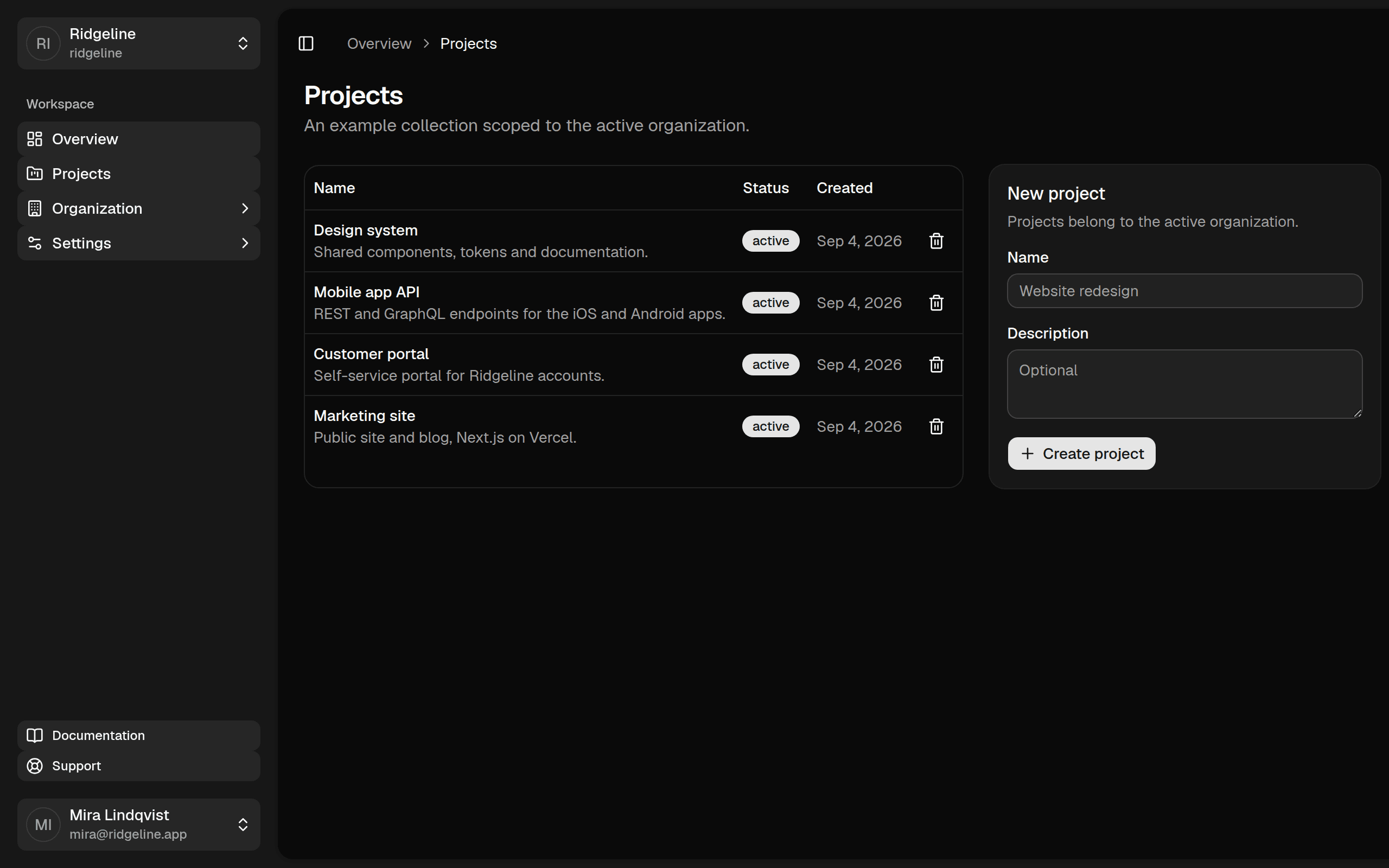
Your product in front. Payload behind it.
The dashboard your users sign in to and the admin your team works in read the same collections, the same session and the same config.
What is in it
Everything a SaaS needs on day one.
Not a demo app. The pieces every product ships, already connected and written down for the agents that extend them, with nothing about anyone's particular business baked in.
Built for the agents that will build on it
Every project ships the context a coding agent needs to work the way the template expects: AGENTS.md with the rules that are easy to break, task skills for collections, dashboard pages, emails, scheduled actions and tests, MCP servers for the running app, a real browser and the shadcn registry, and one pnpm verify that tells the agent whether its change holds.
- AGENTS.md
- Claude Code
- Codex
- Cursor
- Skills
- MCP servers
- pnpm verify
.claude/skills/
├─ stack-collection
├─ stack-dashboard-page
├─ stack-email
├─ stack-scheduled-action
├─ stack-tests
└─ payload
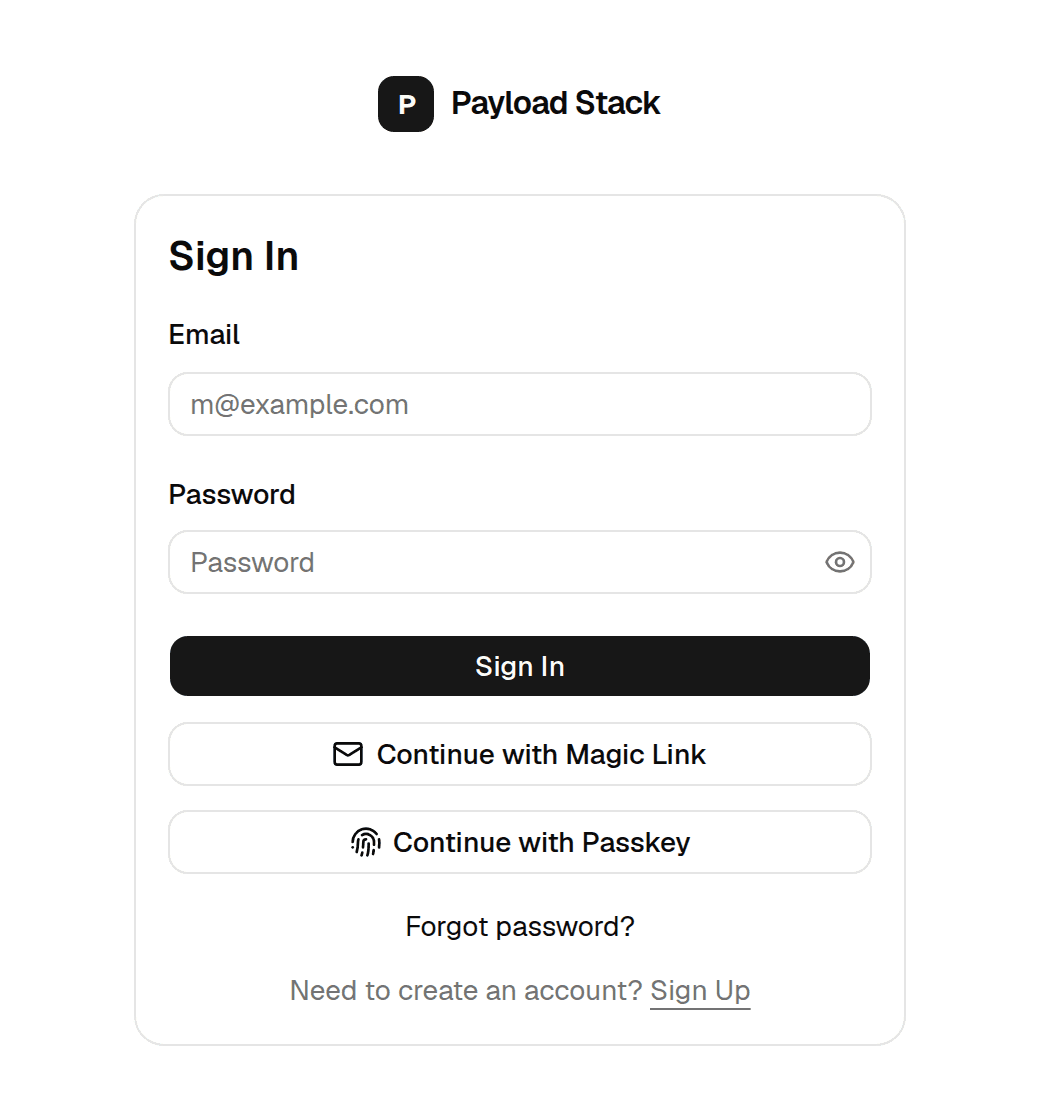
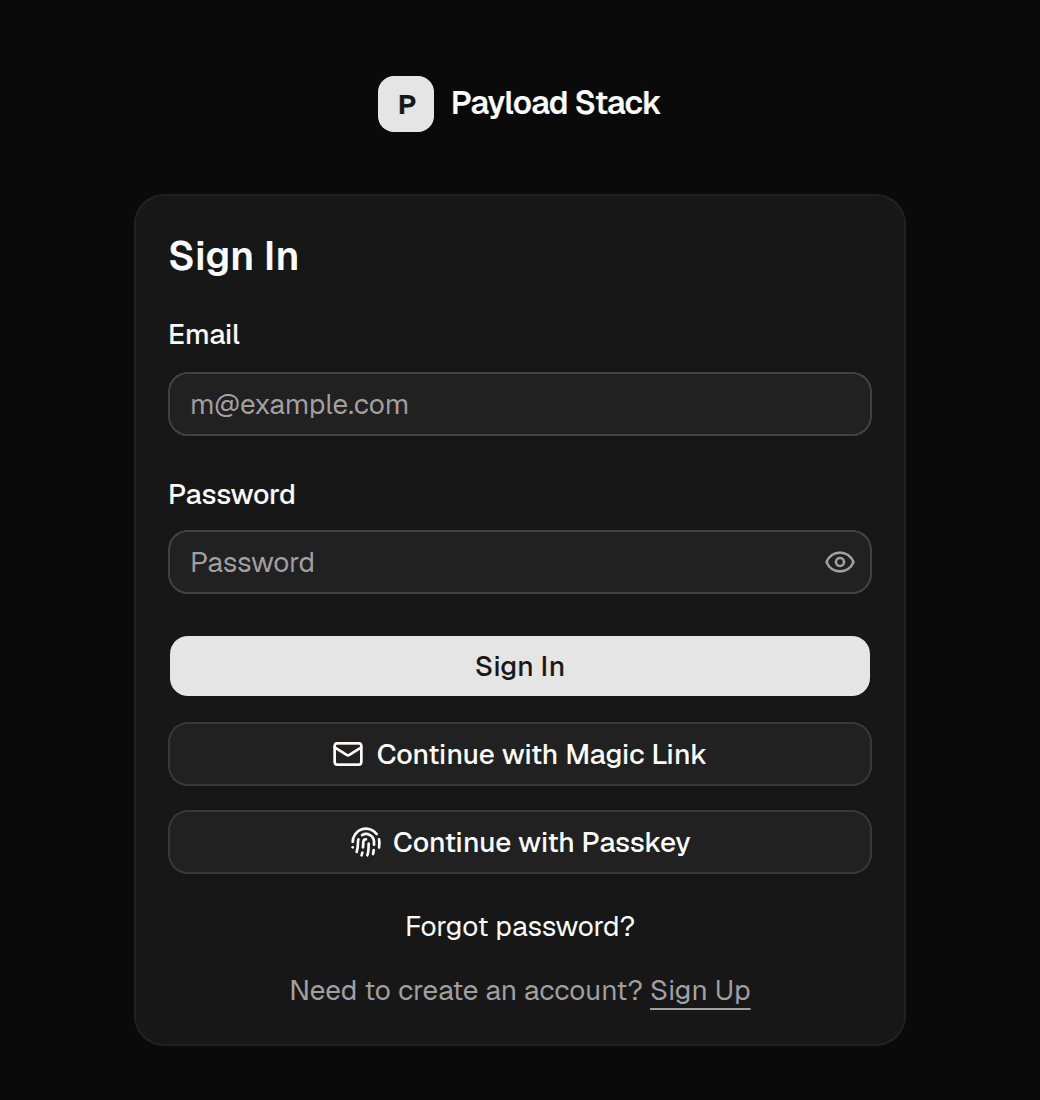
Authentication that covers the admin too
Better Auth handles sign-in for your app and for the Payload admin. One session, one users collection, no bridging code.
- Email + password
- Magic link
- Passkeys
- TOTP 2FA
- GitHub
- Impersonation
Organizations
Users create organizations, invite members and switch between them. Every collection is scoped to the active organization, in the app and in the admin.
Subscriptions
Plans live in config, billed per user or per organization. Seats, trials, the Stripe customer portal and webhooks are already handled.
{ id: 'team', seats: 25, trialDays: 14 }The back office is Payload
Users, organizations, subscriptions, content and support tools live in the Payload admin, with roles and versions. You never build an internal admin.
- Super-admin
- Tenant switcher
- Versions
- Audit log
- Media library
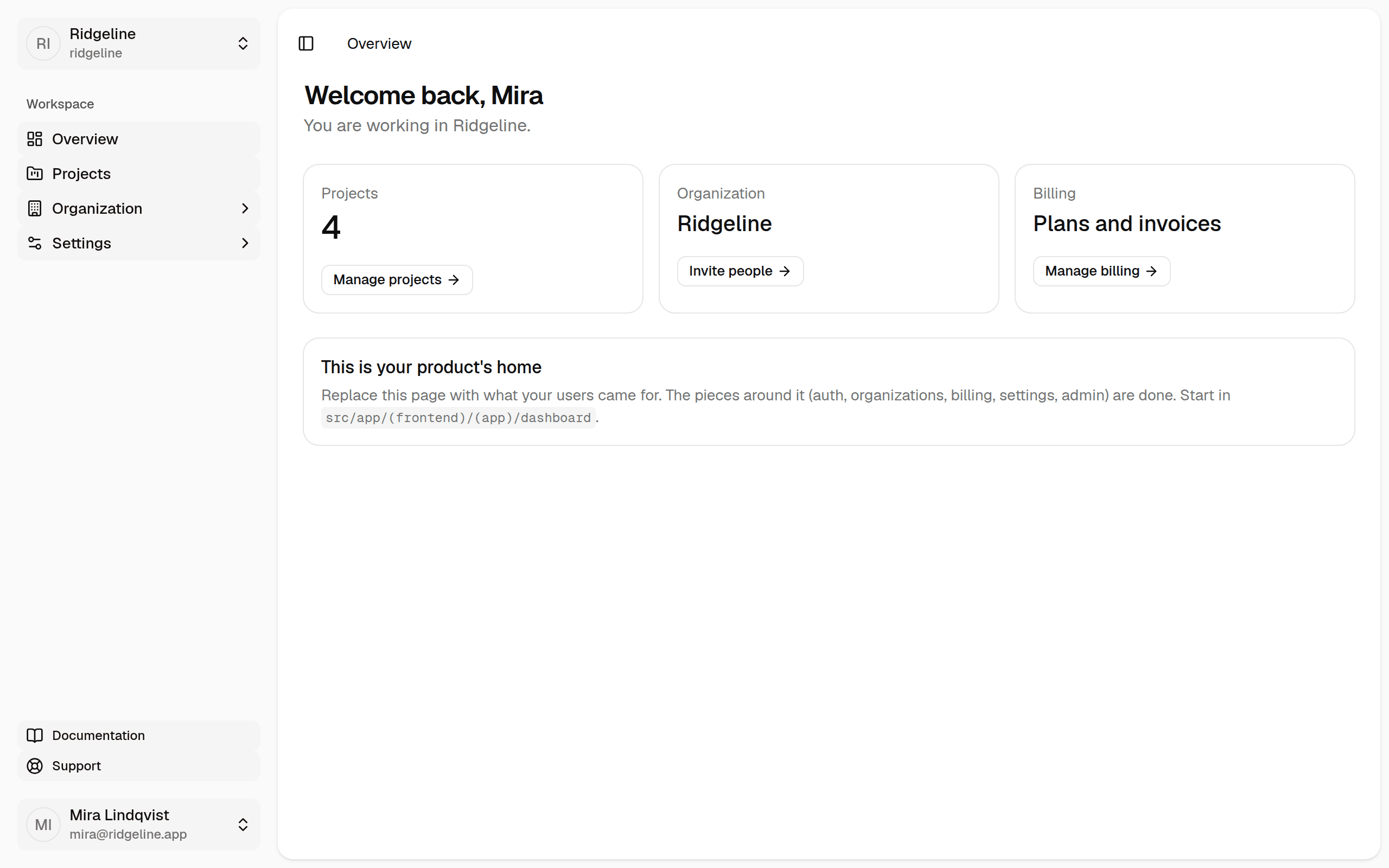
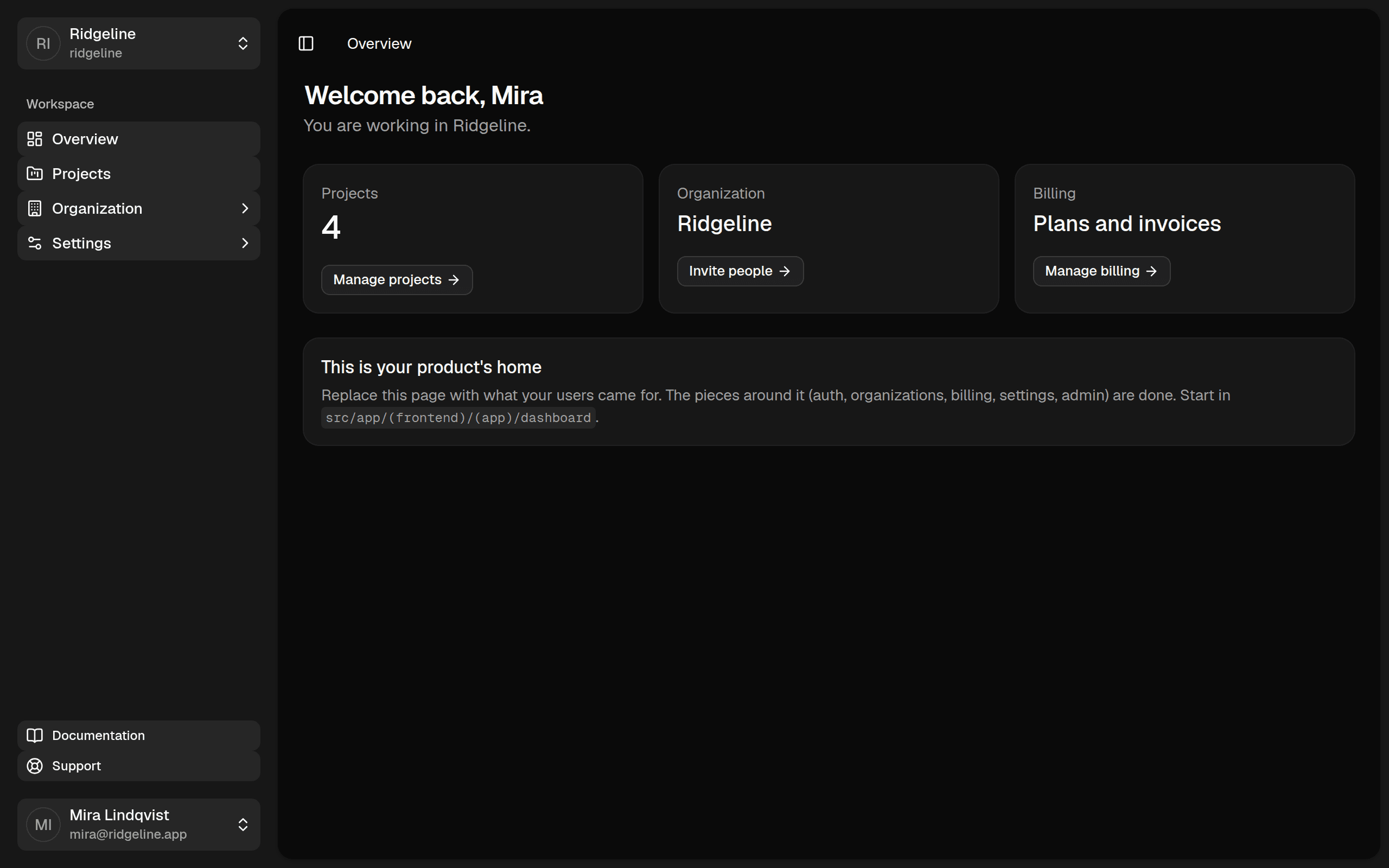
Dashboard and account
A shadcn sidebar layout, account and security settings, sessions, API keys, and onboarding: create an organization, invite people, pick a plan.
Transactional emails your team can edit
Every email is declared in code with typed variables and a sender. Subject, preheader and body are then edited in the Payload admin, with a live preview and a test send. Branding stays in one React Email template, so editors change the words and never the markup.
defineEmail({ slug: 'invitation', to: (i) => i.email })Config, legal, SEO
One typed config for name, plans, auth methods and feature flags. Legal pages as a collection, metadata, sitemap and robots included.
- stack.config.ts
- Legal pages
- Feature flags
- Metadata
- Sitemap
See it run
Not screenshots. The app, recorded.
Each clip is a scaffolded Payload Stack project filmed in a real browser. Pick a feature.
One command
From zero to a running product, ready for your agents.
Run the command
No global install. The CLI downloads the template and pins every Payload package to the same version.
Pick a database
PostgreSQL, MongoDB, SQLite or Vercel Postgres. The adapter and connection string are written into your config.
Choose sign-in methods, teams and billing
Turn organizations and Stripe on or off. Every screen, plugin and collection follows the flags in stack.config.ts.
Pick where uploads live
Skip for local disk, or Vercel Blob, S3, Cloudflare R2, Azure, Google Cloud Storage or Uploadthing, wired into payload.config.ts and switched on by environment variables.
Name your coding agents
Claude Code, Codex, Cursor or all three. Each gets the project rules in AGENTS.md, task skills where it looks for them, and MCP servers for the running app, a real browser and the shadcn registry.
Sign in at /admin
The first visit creates your admin account. From there, everything is a normal Payload project.
$ npx create-payload-stack@latest

┌  create-payload-stack
│
◇  Project name
│  ridgeline
│
◇  Database
│  PostgreSQL
│
◇  Connection string
│  postgres://postgres:<password>@127.0.0.1:5432/ridgeline
│
◇  Sign-in methods
│  Email + password, Magic link, Passkeys
│
◇  Organizations (teams)
│  Yes
│
◇  Billing
│  Stripe subscriptions, per organization
│
◇  Media storage
│  Vercel Blob
│
│  … emails, consent, scheduled actions
│
◇  Coding agents
│  Claude Code, Codex, Cursor
│
◇  Installed dependencies with pnpm
│
└  Done. Next steps:

   cd ridgeline
   pnpm dev
   open http://localhost:3000/admin
   # agents finish with pnpm verify
stack.config.ts
Your whole product, described in one file.
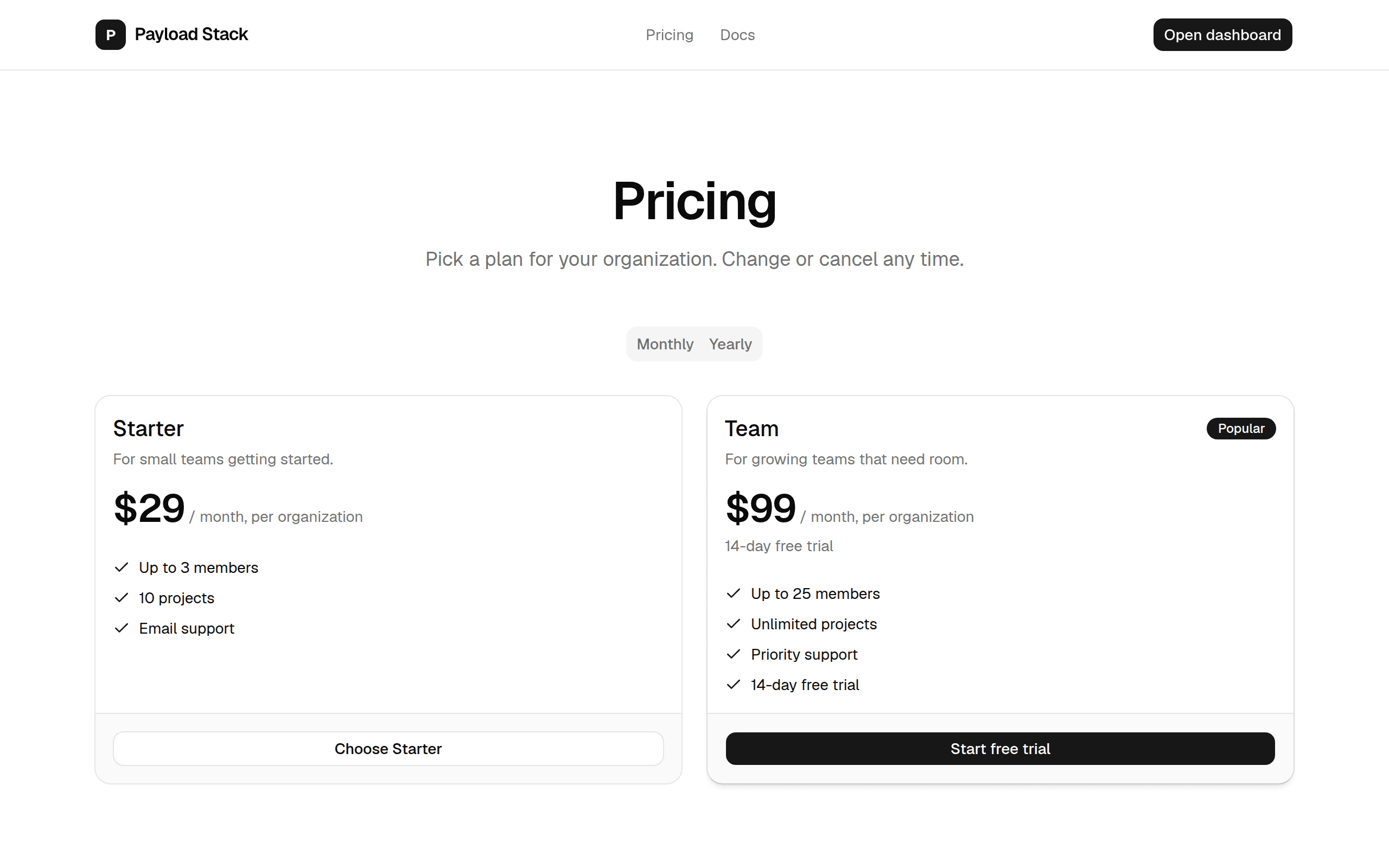
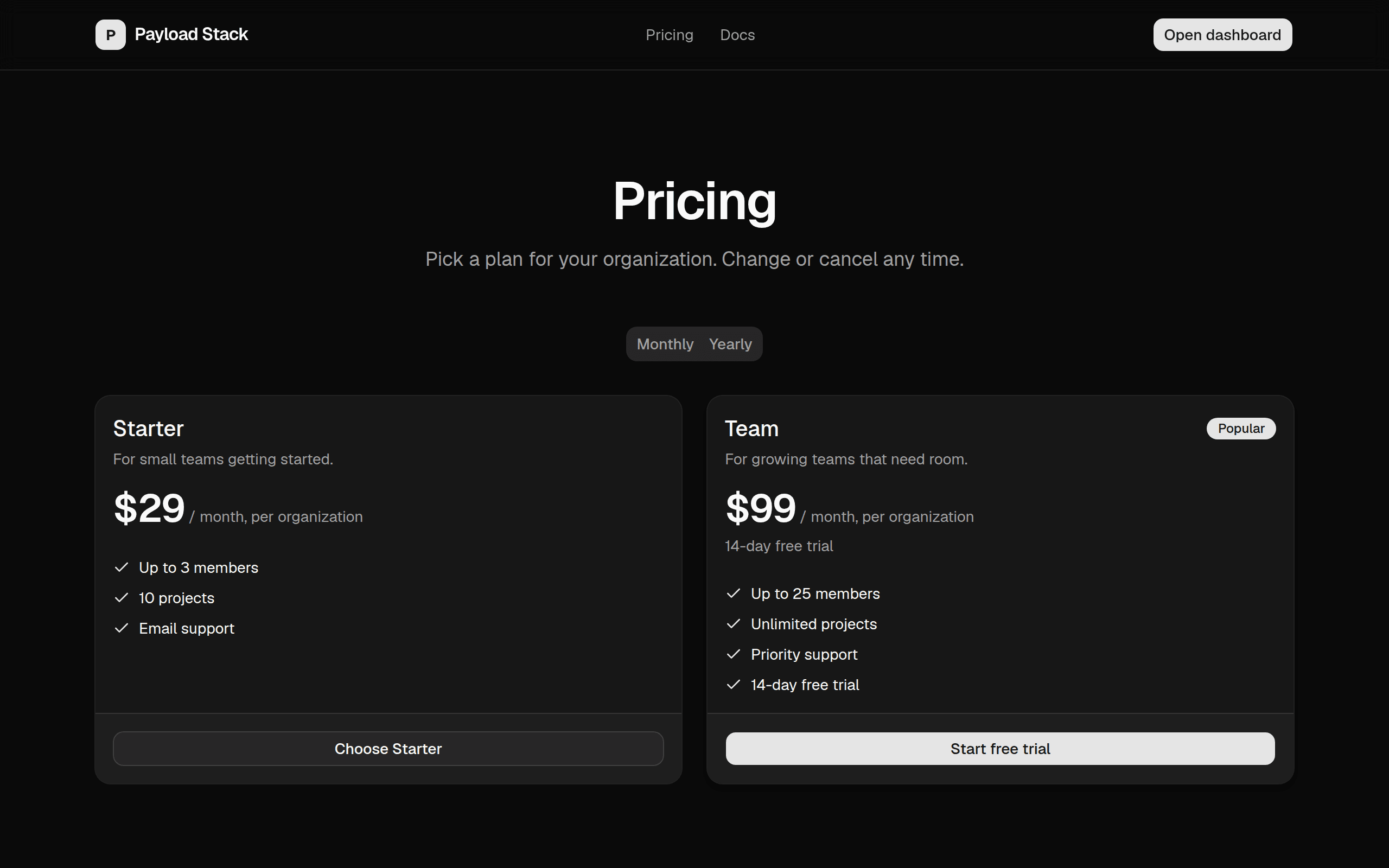
Pricing page, checkout, entitlements, sign-in screens and legal pages all read from stack.config.ts. Change it once and everything follows.
import { defineStack } from '@/lib/stack'

export default defineStack({
  name: 'Ridgeline',
  url: process.env.NEXT_PUBLIC_APP_URL,
  support: { email: 'help@ridgeline.app' },

  auth: {
    methods: ['email-password', 'magic-link', 'passkey'],
    social: ['google', 'github'],
    twoFactor: true,
  },

  organizations: { enabled: true, allowUserToCreate: true, creatorRole: 'owner' },

  billing: {
    provider: 'stripe',
    attachedTo: 'organization',  // or 'user'
    plans: [
      {
        id: 'team', name: 'Team', seats: 25, trialDays: 14,
        prices: [{ id: process.env.NEXT_PUBLIC_STRIPE_PRICE_TEAM_MONTHLY, amount: 9900, interval: 'month' }],
        features: ['Up to 25 members', 'Unlimited projects'],
        limits: { projects: -1 },
      },
    ],
  },

  legal: { company: 'Ridgeline Software Ltd', jurisdiction: 'Ireland' },
})
The backbone
Why Payload CMS is the right backbone for a SaaS.
Most starters give you auth and a pricing page and leave the actual product to you. Payload gives you the product layer as well.
- Your data model is code.
- Collections, access control and hooks are TypeScript in your repo, versioned with the app and typed end to end. No dashboard-defined schema to drift.
- The admin is already built.
- Every collection gets a production admin with roles, versions, search and media. Your back office costs zero sprints, now and after launch.
- It runs inside Next.js.
- One deployment, one codebase. Server components call Payload’s local API directly, without an HTTP hop or a second service to keep up.
- The database is your call.
- PostgreSQL, MongoDB, SQLite or Vercel Postgres, chosen at scaffold time. Payload’s adapters handle schema and migrations.